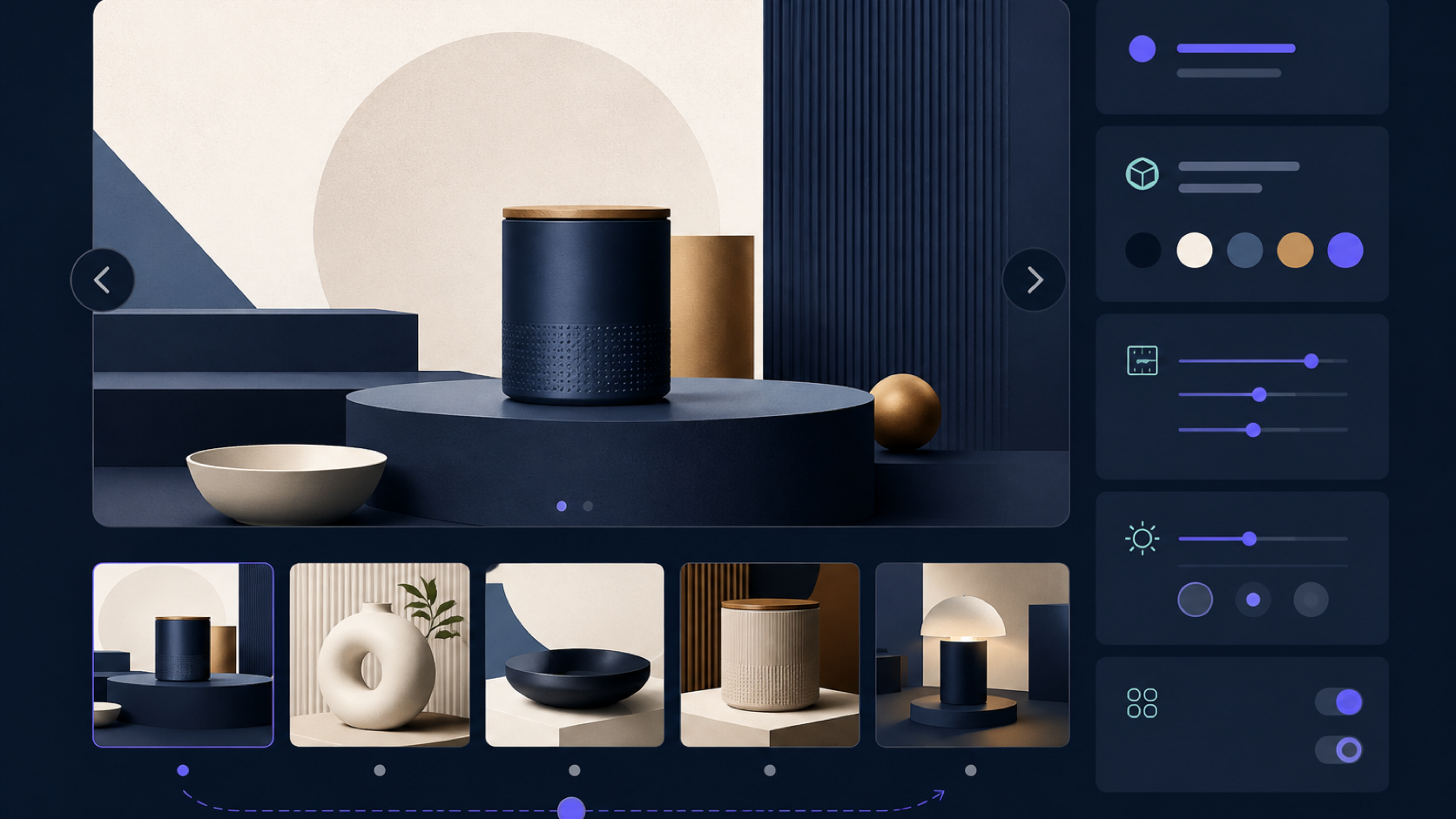
商品详情常见的“主图 + 缩略图”可以用 ACF Gallery 管理图片,用 Swiper 同步两个轮播。旧版 Swiper 3 的初始化方式和资源路径已经过时;下面采用当前模块化 API 的思路,并把无障碍和图片性能一起考虑。
本文假设主题有自己的前端构建流程。Swiper 应作为锁定版本的项目依赖打包,不要在模板里临时引用版本不固定的 CDN。
ACF 字段
如果每张图只需要图片本身,优先使用 Gallery 字段,并设置返回“图片 ID”。如果每张图还有独立链接、视频、颜色或说明,再使用 ACF Repeater。
<?php
$image_ids = get_field(
    'product_gallery',
    get_the_ID(),
    false
);

$image_ids = array_values(
    array_filter(
        array_map( 'absint', (array) $image_ids )
    )
);

if ( ! $image_ids ) {
    return;
}
?>

<section
    class="product-gallery"
    aria-label="商品图片"
>
    <div class="swiper product-gallery__main">
        <div class="swiper-wrapper">
            <?php foreach ( $image_ids as $index => $image_id ) : ?>
                <div class="swiper-slide">
                    <?php
                    echo wp_get_attachment_image(
                        $image_id,
                        'large',
                        false,
                        array(
                            'loading' => 0 === $index
                                ? 'eager'
                                : 'lazy',
                            'fetchpriority' => 0 === $index
                                ? 'high'
                                : 'auto',
                        )
                    );
                    ?>
                </div>
            <?php endforeach; ?>
        </div>

        <button
            class="product-gallery__prev"
            type="button"
            aria-label="上一张图片"
        ></button>
        <button
            class="product-gallery__next"
            type="button"
            aria-label="下一张图片"
        ></button>
    </div>

    <div class="swiper product-gallery__thumbs">
        <div class="swiper-wrapper">
            <?php foreach ( $image_ids as $image_id ) : ?>
                <button
                    class="swiper-slide"
                    type="button"
                >
                    <?php
                    echo wp_get_attachment_image(
                        $image_id,
                        'thumbnail',
                        false,
                        array(
                            'loading' => 'lazy',
                        )
                    );
                    ?>
                </button>
            <?php endforeach; ?>
        </div>
    </div>
</section>
具体 WordPress 版本和项目规范可能不接受 fetchpriority="auto";若无实际收益可省略,只为首张关键图片使用 high。
初始化 Swiper
import Swiper from 'swiper'
import {
  A11y,
  Keyboard,
  Navigation,
  Thumbs
} from 'swiper/modules'

import 'swiper/css'
import 'swiper/css/navigation'
import 'swiper/css/thumbs'

const root = document.querySelector('.product-gallery')

if (root) {
  const thumbs = new Swiper(
    root.querySelector('.product-gallery__thumbs'),
    {
      modules: [A11y, Keyboard],
      slidesPerView: 4,
      spaceBetween: 8,
      watchSlidesProgress: true,
      keyboard: { enabled: true }
    }
  )

  new Swiper(
    root.querySelector('.product-gallery__main'),
    {
      modules: [A11y, Keyboard, Navigation, Thumbs],
      keyboard: { enabled: true },
      navigation: {
        prevEl: root.querySelector(
          '.product-gallery__prev'
        ),
        nextEl: root.querySelector(
          '.product-gallery__next'
        )
      },
      thumbs: { swiper: thumbs }
    }
  )
}
一个页面有多个画廊时,应逐个遍历根元素,让查询限制在当前实例内。不要给所有轮播使用同一个全局 ID。
生产检查
- 第一张图使用合适尺寸,避免把原图直接塞进首屏。
- 其余图片使用原生
loading="lazy";现代 Swiper 已围绕浏览器原生懒加载工作。 - 图片附件要有准确的宽高、裁剪和替代文本。
- 缩略图需要明显的键盘焦点和选中状态。
- 没有 JavaScript 时,图片仍应按正常文档顺序可见。
- 开启放大查看时,要处理焦点锁定、Esc 关闭和滚动恢复。
- 在手机真机检查滑动与页面纵向滚动是否冲突。
- 商品变体切换图片时,先决定是替换整个 gallery,还是导航到已有 slide。
Swiper API 会持续演进,安装和升级以官方文档及锁文件版本为准。