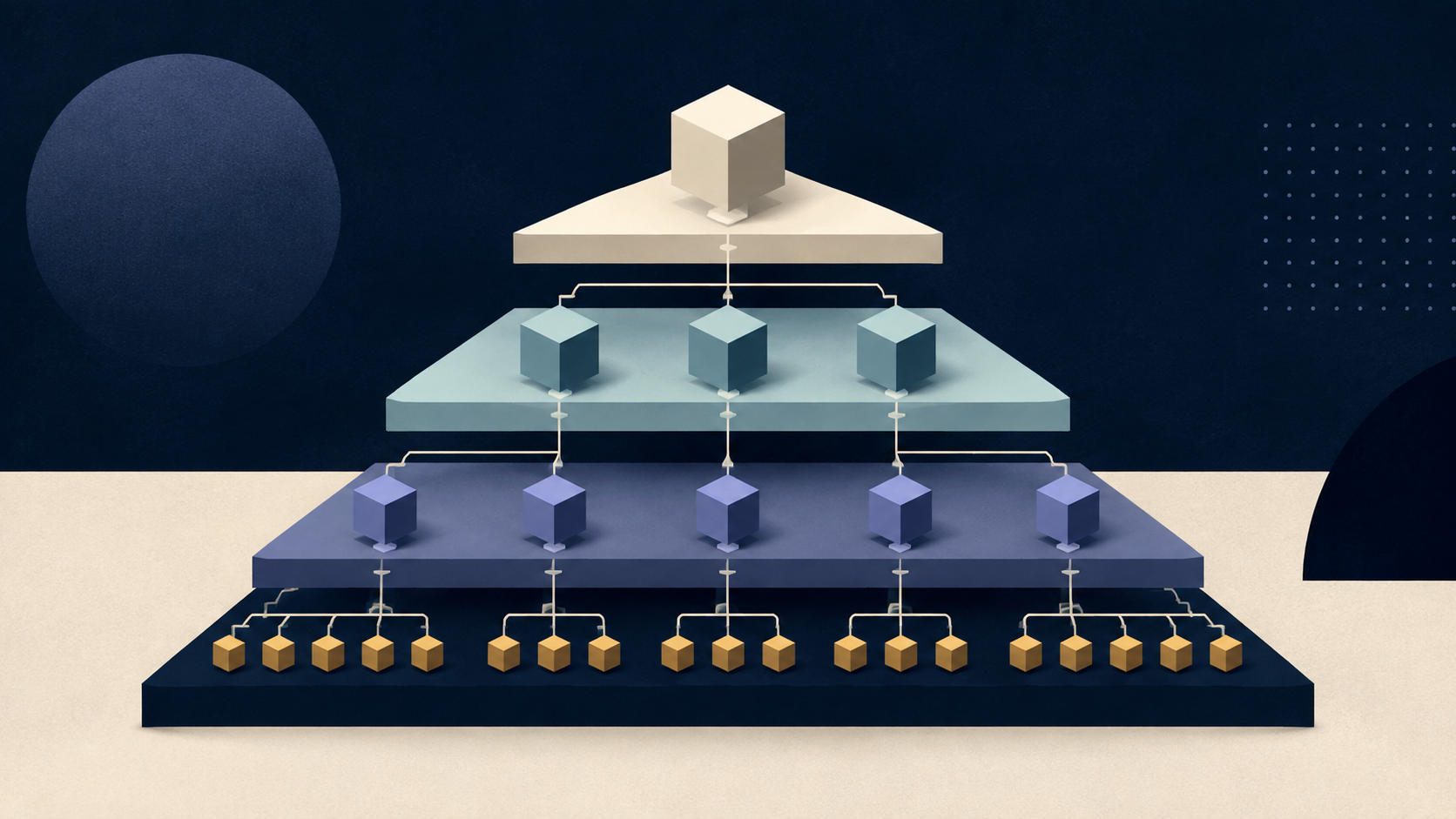
分层分类法的二级、三级页面需要不同样式时,不要按 URL 的第几个片段判断。WordPress 已把当前 term 和祖先关系解析完成,可以用模板层级、get_ancestors() 或 body_class 明确表达。
方案一:同一模板,不同层级 class
适合结构相同、只有布局或视觉差异的页面。
<?php
add_filter(
    'body_class',
    function ( array $classes ): array {
        $taxonomy = 'product_category';

        if ( ! is_tax( $taxonomy ) ) {
            return $classes;
        }

        $term = get_queried_object();

        if ( ! $term instanceof WP_Term ) {
            return $classes;
        }

        $ancestors = get_ancestors(
            $term->term_id,
            $taxonomy,
            'taxonomy'
        );

        // 顶级为 0,子级依次递增。
        $depth = count( $ancestors );

        $classes[] = 'term-depth-' . $depth;
        $classes[] = 'term-' . sanitize_html_class(
            $term->slug
        );

        return $classes;
    }
);
CSS:
.term-depth-0 .product-grid {
  grid-template-columns: repeat(4, minmax(0, 1fr));
}

.term-depth-1 .product-grid,
.term-depth-2 .product-grid {
  grid-template-columns: repeat(3, minmax(0, 1fr));
}
不要把“二级”直接写成固定 URL 深度。站点安装在子目录、加入语言前缀或调整固定链接后,URL 深度会变化,term 的祖先关系不会。
方案二:按层级拆模板片段
当页面结构明显不同,用同一个分类法模板做路由,再加载白名单内的模板片段:
<?php
// taxonomy-product_category.php
$term = get_queried_object();

if ( ! $term instanceof WP_Term ) {
    get_template_part( 'template-parts/content', 'none' );
    return;
}

$depth = count(
    get_ancestors(
        $term->term_id,
        $term->taxonomy,
        'taxonomy'
    )
);

$variant = match ( true ) {
    0 === $depth => 'root',
    1 === $depth => 'child',
    default     => 'deep',
};

get_template_part(
    'template-parts/taxonomy/product-category',
    $variant,
    array( 'term' => $term )
);
对应文件:
taxonomy-product_category.php
template-parts/
└── taxonomy/
    ├── product-category-root.php
    ├── product-category-child.php
    └── product-category-deep.php
match 需要 PHP 8。若项目仍受 PHP 7.4 约束,改用 if/elseif。升级前先确认生产环境版本,不要让博客示例替项目决定运行基线。
方案三:具体 term 独立模板
WordPress 的经典主题模板层级支持更具体的 taxonomy 模板,例如:
taxonomy-product_category-special.php
taxonomy-product_category.php
taxonomy.php
archive.php
index.php
如果只有少数分类完全不同,具体 term 模板最清楚;如果大量分类只是两三种布局,模板片段更容易维护。
选择原则
- 只改栅格、颜色或间距:添加层级 class。
- DOM 结构和数据模块不同:拆模板片段。
- 某个分类是独立落地页:使用具体 term 模板。
- 后台需要自由组合模块:评估 ACF Flexible Content 或区块模板,但要限制可用组件。